MCW10
Wireless LAN Module mCP31 · mCP21 · TSP143IV – For Sale in North America Only
Turn your printer into a wireless hub, allowing it to connect to WiFi with one other peripheral, featuring a compact design that fits perfectly inside the mC-Print31W and TSP143IV or on top of the mC-Print21W. The MCW10 provides a wireless connection to the printer and any networkable 3rd party devices such as payment terminals. Able to connect up to two devices at once, the MCW10 easily configures to the router using the simple Star Setup Utility App for iOS and Android.
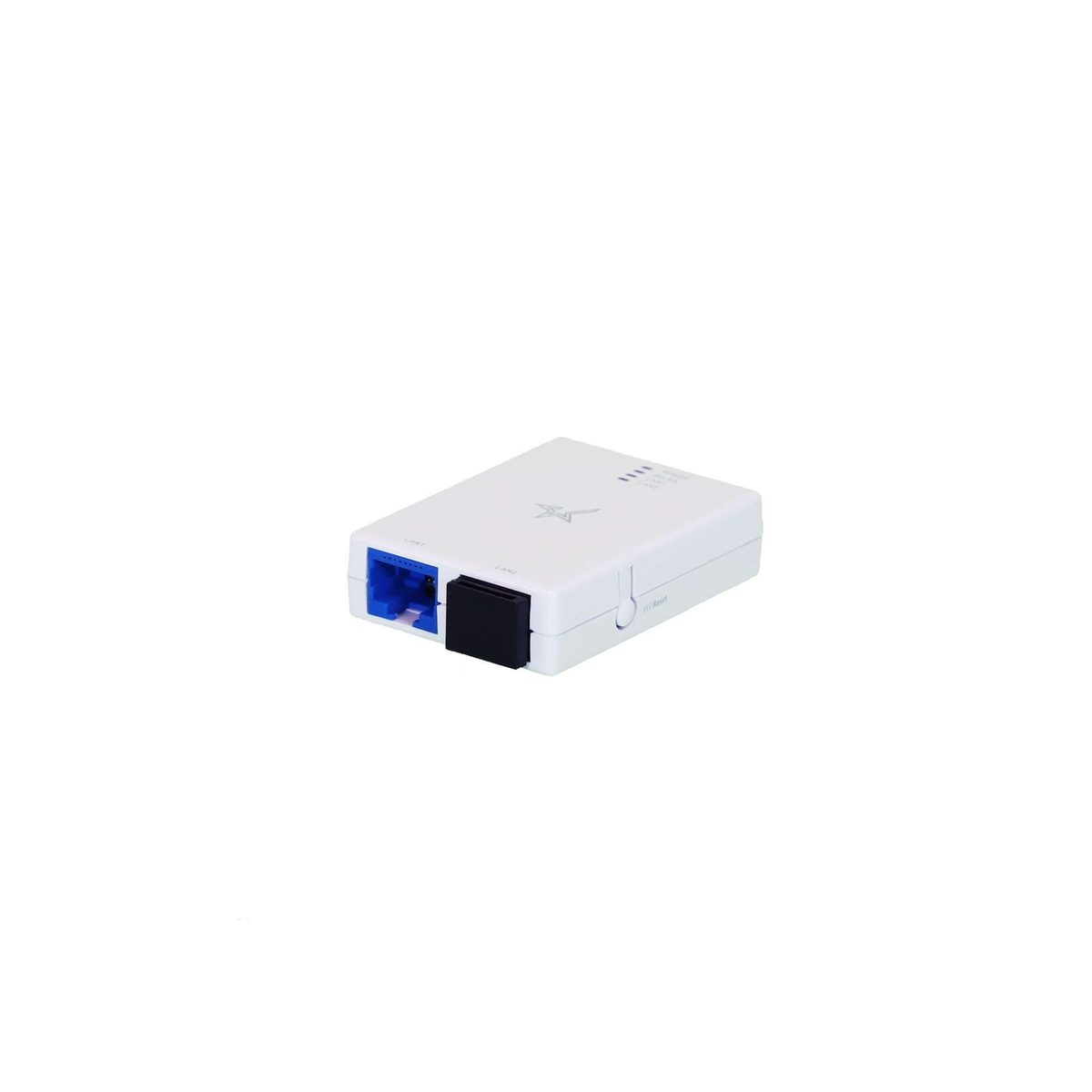
MCW10
MCW10 — Complete Specifications
| Specification | Detail |
|---|---|
| Printer Compatibility | mCP31W, mCP21W, TSP143IV |
| Frequency | 2.4 GHz : 802.11b/g/n & 5 GHz : 802.11a/n/ac |
| Communication Speed | Up to 140 Mbps on 5 GHz |
| Approximate Communication Range (*1) | 30m |
| Interference Range | 40m |
| Power | 5V/1A from printer |
| Ports | 2 Ethernet Ports |
| Security | WEP (64/128bit)(*2) WPA-PSK WPA2-PSK WPA3-Personal |
| Size | 42mm x 55.8mm x 15mm |
| Setup | Easy using Star apps on iOS and Android |
| Included | MCW10, Ethernet Cable, USB cable |
| Field Installation | Yes |
Source: official Star Micronics product data.
5 Highlights
Printer Compatibility
mCP31W, mCP21W, TSP143IV
Dual-Band Wireless
Choose between 2.4 GHz and 5 GHz frequencies
Upgrade Printers
Provide wireless LAN support to compatible printers (WLAN)
Effortless Installation
Setup is easy with Star Quick Setup Utility app
Capability
Connect up to two IP printers (or other devices) to WiFi